Toggle Night Vision Texture Pack BrightCore
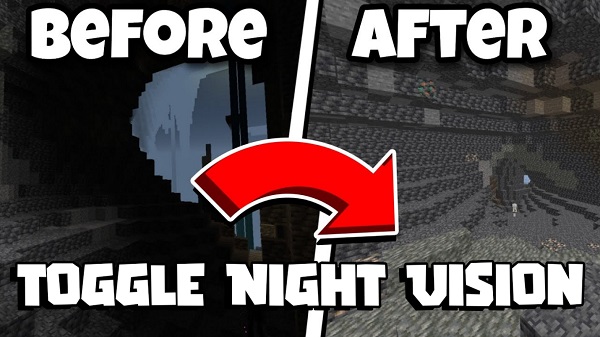
The Toggle Night Vision Texture Pack BrightCore is designed for one purpose: helping you see clearly in dark environments without breaking Minecraft Bedrock Edition’s natural atmosphere. If you’ve ever struggled to mine in pitch-black caves, build at night, or explore the Nether on mobile, BrightCore solves this immediately. It boosts low-light visibility only when you need it, giving you a cleaner, more controlled experience in MCPE. The result is smoother exploration, more comfortable gameplay, and far fewer moments of guessing where you’re headed.
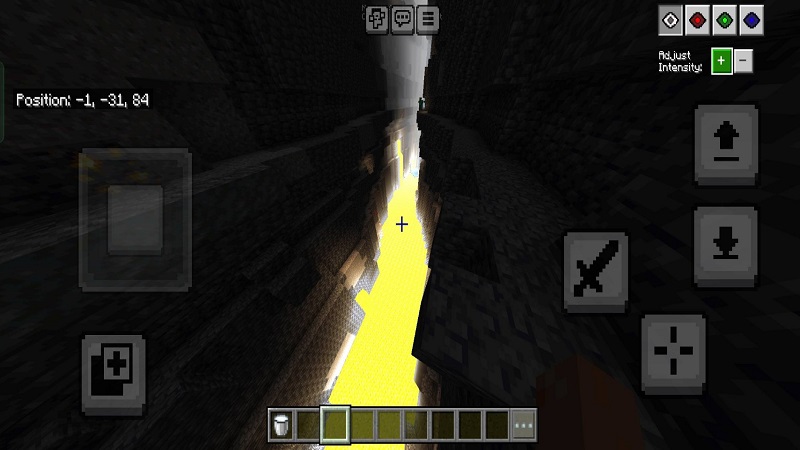
- What BrightCore Solves in Minecraft Bedrock: Darkness can make even simple tasks difficult, especially when playing on a phone or tablet. Many players constantly raise their screen brightness or place dozens of torches just to navigate safely. BrightCore eliminates that frustration by offering consistent clarity in caves, ravines, dim forests, and nighttime biomes. You can focus on discovering ores, spotting structures, and finding paths—without fighting the shadows.
- Who This Texture Pack Is Designed For: BrightCore is made for survival players, cave runners, explorers, and anyone who plays MCPE on mobile. If you enjoy long mining sessions, frequently travel across your world at night, or feel limited by low visibility, this pack fits your style. Builders will also appreciate how BrightCore keeps interior rooms readable without changing block colors. Younger players and casual users benefit from easier navigation, more visual comfort, and fewer moments of confusion in dark areas.
- How It Enhances Night and Cave Exploration: When you switch to enhanced visibility, every dark area becomes easier to read. You can follow tunnels confidently, recognize ore patterns faster, and avoid dead-ends or unexpected hazards. BrightCore turns nighttime exploration into an enjoyable part of the game instead of a challenge. It brings clarity when you need it most—without washing the world in unrealistic brightness.
Key Features of the BrightCore Night Vision System
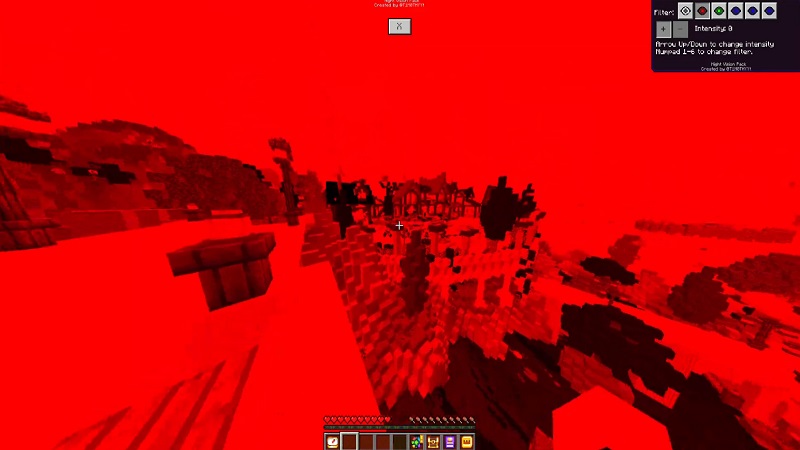
The Toggle Night Vision Texture Pack BrightCore stands out because it focuses on clarity, simplicity, and performance. You can toggle enhanced brightness instantly without commands or special tools. The pack maintains Minecraft’s natural visual style, avoiding green tints, overexposed textures, or distracting effects. BrightCore runs smoothly on all MCPE devices—from low-end phones to large tablets—making it ideal for long sessions. It also supports shaders, addons, and vanilla resource packs, so you can blend it into any Minecraft world without conflicts. The lighting is gentle on your eyes, which makes late-night mining or exploring far more comfortable.
- Instant Toggle Night Vision Without Commands: You activate visibility only when you need it. This keeps the experience immersive and practical, especially in survival worlds.
- Clean, Natural Brightness That Preserves Atmosphere: Instead of overpowering light, BrightCore improves visibility in a balanced, believable way. The world still looks like Minecraft—just clearer.
- Optimized for Mobile Devices With Zero FPS Drop: BrightCore uses lightweight textures that protect your performance. No lag, no overheating, and no battery drain during long sessions.
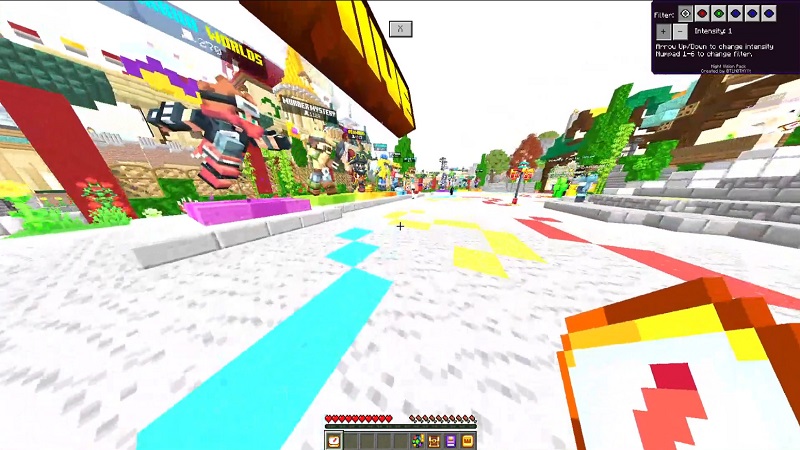
- Compatible With Shaders, Addons, and Vanilla Worlds: Because BrightCore focuses only on lighting clarity, it works with almost any resource pack combination.
- Gentle Lighting That Reduces Eye Strain: The brightness level makes dark areas readable while staying easy on your eyes.
- Ideal for Survival, Hardcore, and Adventure Players: Exploration becomes smoother, safer, and easier to control.
Why MCPE Players Prefer BrightCore Over Other Packs
Many night-vision packs overdo brightness or tint the world with harsh colors. BrightCore stays balanced and natural. Players appreciate how it improves mining, nighttime travel, and Nether visibility without changing block colors or causing visual distortion. Its mobile-first approach also makes it more practical than heavy shaders.
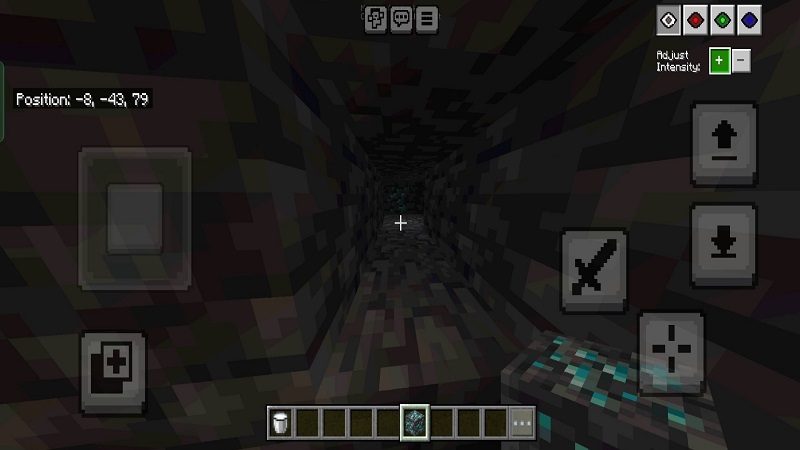
- Clearer Vision for Cave Mining: You can see ore veins, hazards, and pathways instantly.
- More Comfortable Night-Time Survival: Navigation becomes easier and safer, with fewer blind spots.
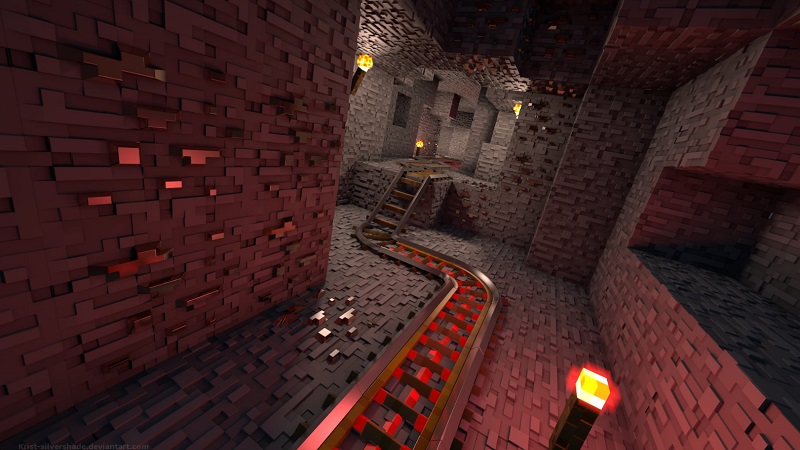
- Better Visibility in the Nether: Dark biomes become clearer, helping you locate structures and terrain.
- Great for Long Mobile Sessions: The lighting reduces visual fatigue, especially when playing on smaller screens.
- Perfect for Night Builders: You can continue building freely without waiting for daytime.
Performance Benefits for Mobile and Bedrock Players
BrightCore is built for stability. It avoids heavy effects, allowing MCPE to run smoothly even on older devices. You experience stable FPS, minimal battery drain, and no overheating—ideal for players who enjoy long survival sessions or exploration-heavy gameplay.
How BrightCore Fits Into Everyday Gameplay
BrightCore blends naturally into your world. Whether you’re exploring a cave, climbing mountains at dusk, or gathering materials underground, the texture pack gives you just enough clarity to stay oriented. It feels like a natural upgrade to MCPE rather than a dramatic visual change. Many players use it permanently because it enhances gameplay without altering Minecraft’s core look.
Tips to Maximize the BrightCore Experience
- Pair it with lightweight shaders for subtle ambience.
- Lower render distance on older devices for smoother performance.
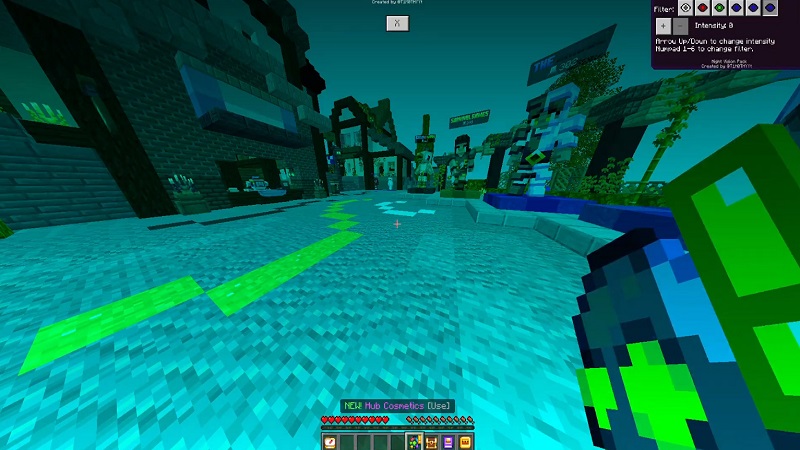
- Use it alongside clean UI packs for improved readability.
- Adjust in-game brightness for the perfect balance between immersion and clarity.
Compatibility and Version Support
BrightCore supports current and previous MCPE/Bedrock versions across Android, iOS, tablets, and Windows. It works in both single-player and multiplayer environments and remains compatible with achievements because it does not modify gameplay behavior.
Conclusion — Why BrightCore Is a Must-Have
The Toggle Night Vision Texture Pack BrightCore offers a practical, polished, and mobile-friendly lighting solution for every MCPE player. It enhances visibility without harming performance or replacing Minecraft’s natural aesthetic. If you want clearer exploration, smoother survival, and more comfortable gameplay, BrightCore is an essential resource pack for your Bedrock worlds.