
Outline Texture Pack CrystalEdge Boost
If you enjoy playing MCPE and want clearer visuals without changing the soul of Minecraft, the Outline Texture Pack CrystalEdge Boost might be exactly what you’ve been looking for. This pack adds refined, crystal-like borders around blocks, ores, and environmental surfaces, making the world easier to read whether you’re mining deep underground or exploring bright overworld biomes.
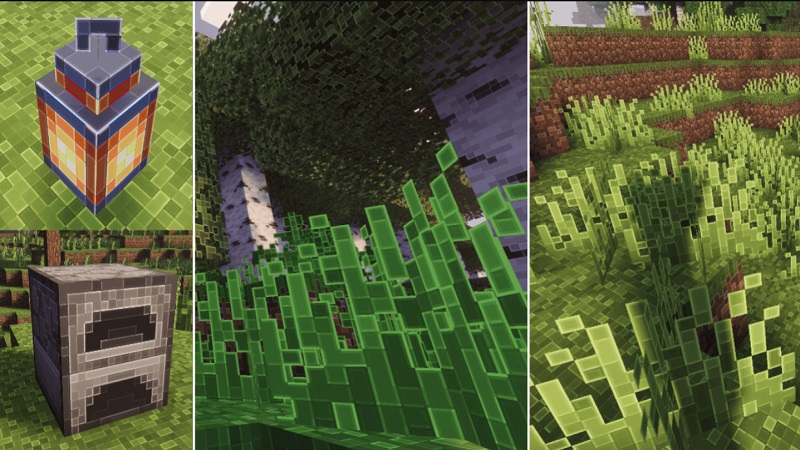
Designed with mobile users in mind, it improves clarity and comfort while keeping performance smooth. You’ll notice that Minecraft feels more organized, more readable, and simply easier to navigate—especially on smaller screens.
What Makes CrystalEdge Boost Different?
Many outline packs offer basic block tracing, but CrystalEdge Boost pushes the idea further with cleaner, brighter, and more precise outlines inspired by the sharp edges of crystals. These outlines create natural contrast without overwhelming the vanilla textures. This balance of beauty and utility makes the pack appealing for a wide range of players—from beginners who need better visibility to veterans who want a premium feel without lag.
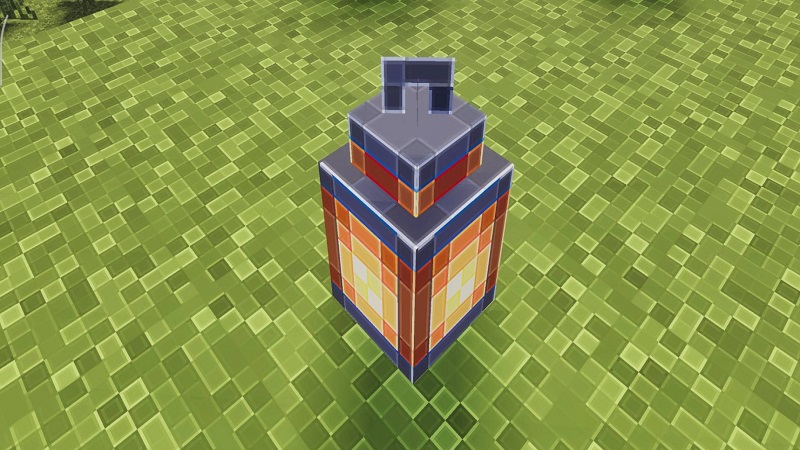
Because it’s optimized for MCPE’s device diversity, the pack works consistently across low-end phones, mid-range tablets, and high-performance devices. The lightweight design ensures that even players with limited hardware can enjoy better clarity without worrying about FPS drops.
Core Features That Define CrystalEdge Boost
The Outline Texture Pack CrystalEdge Boost delivers practical improvements that you’ll notice immediately. Ores gain high-contrast borders, making them stand out clearly in Stone or Deep Slate layers. Diamonds, Gold, Iron, Redstone, and even Ancient Debris become easier to spot—a big advantage when you’re mining quickly or exploring dangerous cave systems.
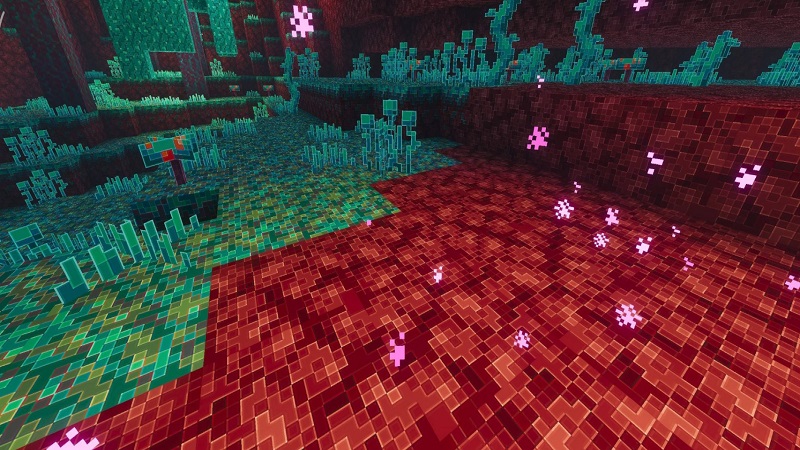
Builders also appreciate the pack’s crisp block silhouettes. Clear edges help you understand spacing, height differences, and micro-details that matter when designing structures or redstone contraptions. PvP players benefit too. With cleaner outlines, movement tracking becomes smoother, jumps feel easier to judge, and terrain becomes easier to interpret in fast situations.
Despite these improvements, the pack remains extremely lightweight. It loads fast, runs smoothly, and stays compatible across multiple MCPE versions. Importantly, it keeps the vanilla identity intact. Instead of changing textures dramatically, it enhances what’s already there, giving players a cleaner and more accessible world without breaking immersion.
Why MCPE Players Love CrystalEdge Boost
One of the biggest reasons players enjoy this pack is how much easier Minecraft becomes to read. On mobile devices, small textures can blend together, especially in dim caves or tightly packed builds. CrystalEdge Boost fixes that by adding clarity exactly where you need it. The outlines reduce eye strain, help you stay focused longer, and make long mining sessions more comfortable.
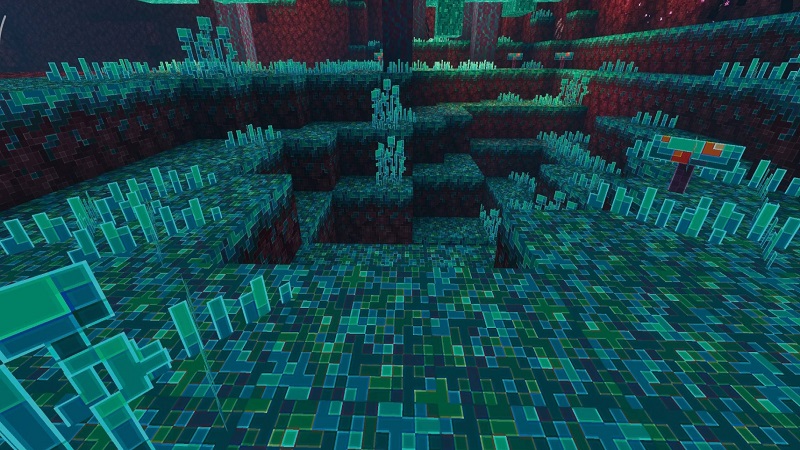
For new players, clearer resource visibility makes early-game progression smoother. For experienced players, improved outline contrast supports faster gameplay, whether you’re crafting, building, or exploring. The pack’s subtlety is also a major benefit—your game still looks like Minecraft, just sharper and easier to understand.
Gameplay Advantages You’ll Notice Immediately
Once activated, you’ll see that the Outline Texture Pack CrystalEdge Boost makes everyday tasks more efficient. Mining becomes faster because ores stand out instantly. Building becomes simpler thanks to well-defined block edges. Exploring caves feels safer because depth and terrain changes become easier to interpret.
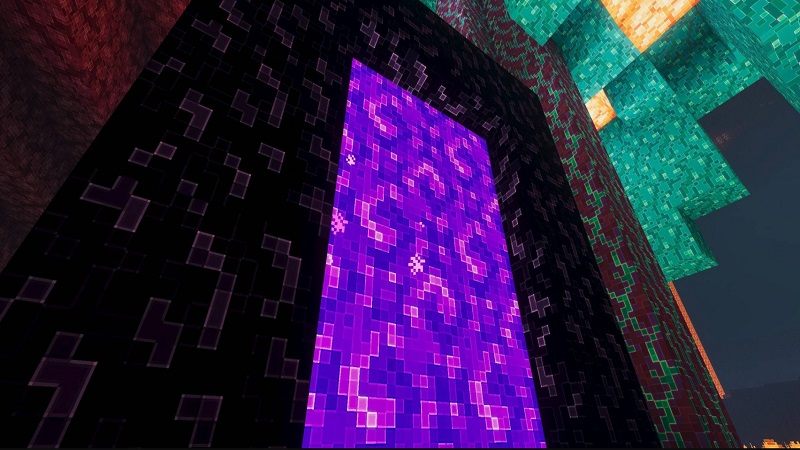
These improvements create a cleaner, more structured feel across the entire world. Everything becomes easier to identify at a glance, helping you move with confidence whether you’re sprinting through the Nether or placing blocks in a tight survival base.
Installation and Compatibility Guide
CrystalEdge Boost installs like any standard resource pack. After importing it into MCPE, activate it in the global or world-specific settings. If your version includes subpacks, the gear icon allows you to adjust outline thickness or detail intensity based on your preference.
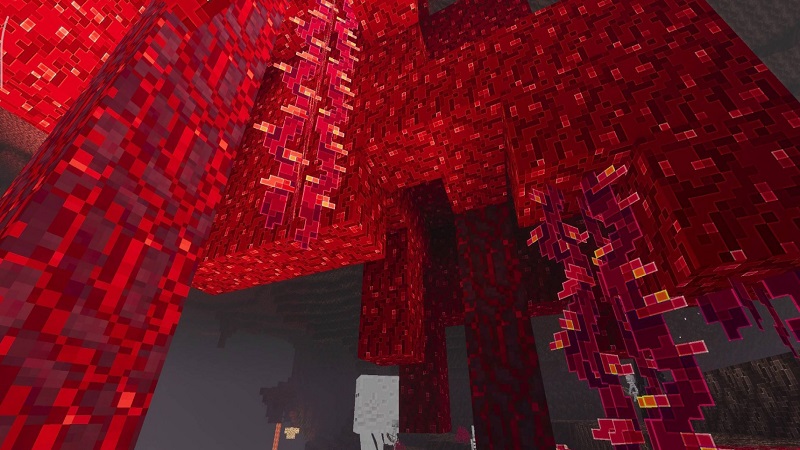
The pack works beautifully alongside brightness enhancers, UI simplifiers, and FPS-friendly visual add-ons, giving you full freedom to customize your setup without conflicts.
Pro Tips for Getting the Best Results
To maximize clarity, pair CrystalEdge Boost with bright or night-vision-style packs that illuminate caves and the Nether. Adjust your brightness to at least 80%, increase your FOV slightly, and experiment with render distance to find a balance between visibility and performance.
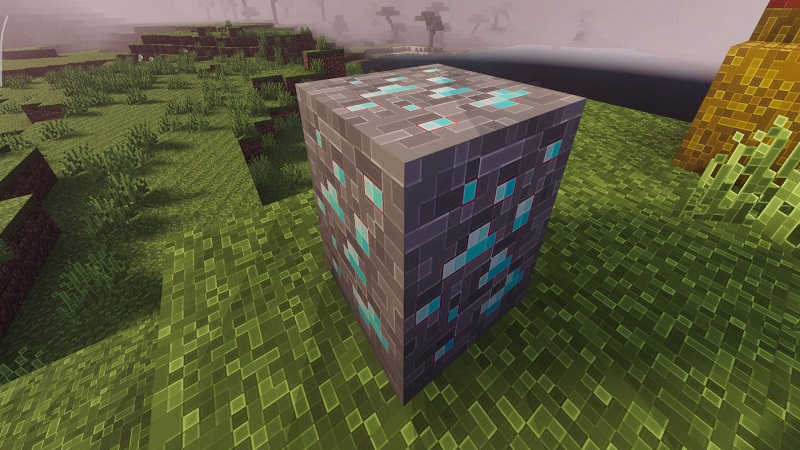
If you enjoy a modern look, combining the pack with a clean UI mod creates an even sharper overall experience. Whether you’re speedrunning, fighting mobs, or mining for rare ores, these tweaks help highlight the strengths of the CrystalEdge Boost edition.
Final Thoughts: Is CrystalEdge Boost Right for You?
If you want a cleaner, more readable world without altering Minecraft’s original personality, the Outline Texture Pack CrystalEdge Boost is a fantastic choice. It supports players of all styles—builders, miners, explorers, and competitive fighters—while keeping performance strong across all devices. With sharper outlines, better readability, and a mobile-friendly design, this pack helps you enjoy every part of MCPE more comfortably and confidently.